
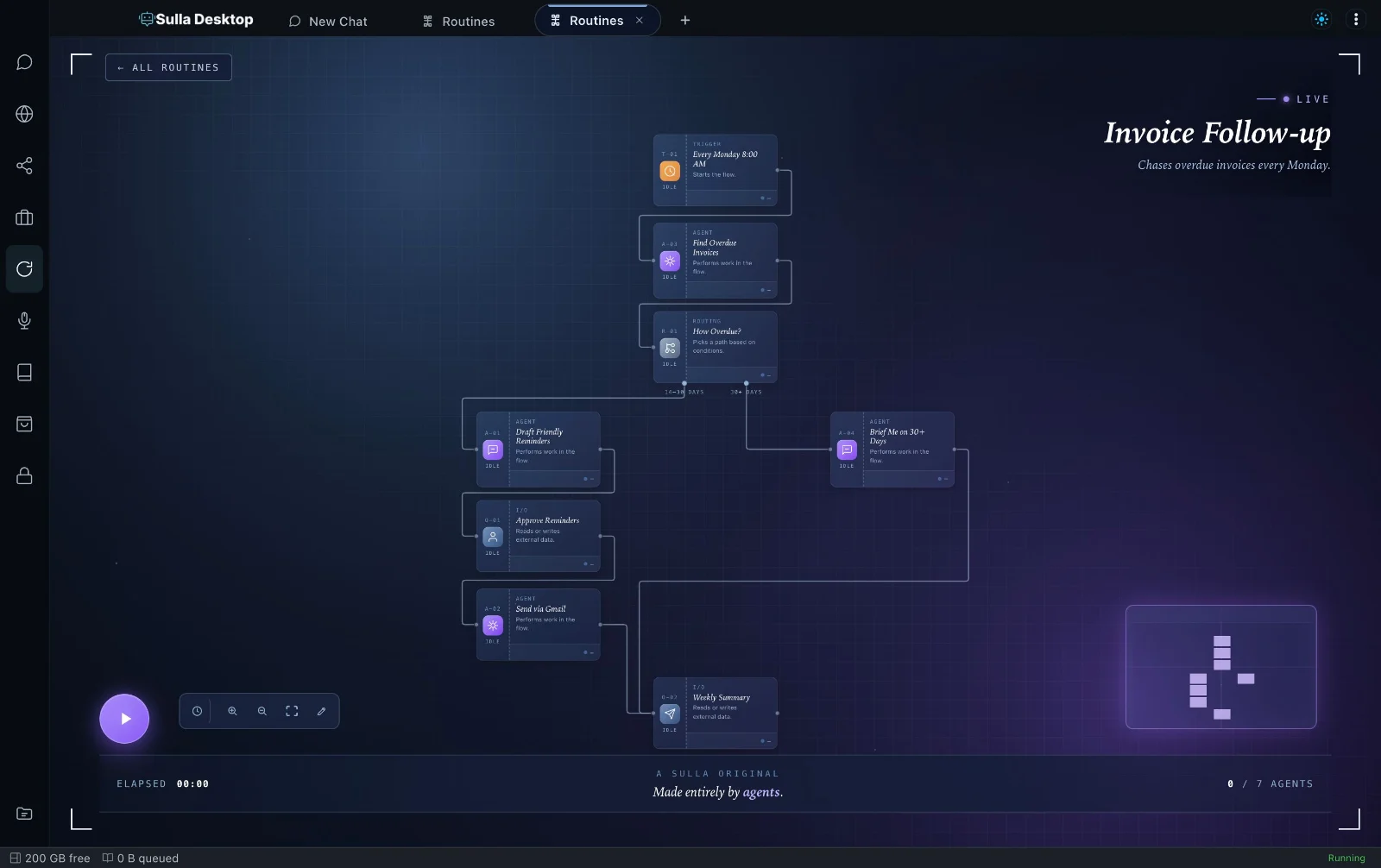
 Video coming
Find out why you're not on the map
It checks your public Google listing and other directories, then writes the fixes — profile content, neighborhood pages, schema, review responses — for you to paste in.
Now you can find out why you're not showing up on Google Maps, even if you've never touched your Google Business Profile settings.
So you can get found by the exact customers searching "[your service] near me" without hiring a local SEO agency.
Someone two towns over, who does the same work you do, shows up every time someone searches for your service nearby. You don't. You know you have a Google Business Profile — somebody set it up years ago — but you've never really looked at it, and you have no idea if your reviews, your category, or your photos are helping or hurting you.
What you want is someone to actually look at what's publicly visible on your listing, tell you exactly what's wrong, and hand you the actual words to fix it — not a login you don't have time to figure out.
Every week you're invisible in the map results, the calls that should be going to you are going to whoever does show up — even when you're better at the work.
You shouldn't have to choose between running your business and becoming a Google Maps expert
Ask anybody how to rank on Google Maps and they'll tell you to "get more reviews." Helpful, but it's not the whole story — a mismatched business name across directories, a vague category, or a profile with no recent photos can quietly cap you below competitors with fewer reviews than you. The usual advice skips everything Google actually weighs besides review count.
There's a better way
Show Up On Google Maps checks what's actually visible on your public listing, scans the other directories where your business name and number might not match, and writes the actual content you need — profile fixes, a neighborhood page, review responses, even the schema markup for your website. It's upfront that it can't log into your Google Business Profile and click save for you — it hands you exactly what to paste in.
Imagine
- finally knowing the specific reasons a competitor outranks you.
- a neighborhood page written well enough to actually rank, not generic filler with the town name swapped in.
- showing up in the map results for the exact service you do best.
Perfect for plumbers, HVAC, cleaners, electricians, contractors, salons, and any business that serves customers in person or in a service area
You'll be able to
- Know exactly what's hurting your ranking (so you can stop guessing and just chase more reviews)
- Fix name, address and phone mismatches (without manually checking a dozen directory sites yourself)
- Rank for the neighborhoods you actually serve (without writing thin pages that Google ignores)
- Respond to every review professionally (so you never have to figure out what to say to a bad one at 11pm)
Everything you get
- A guided interview about your business and service area
- A public profile audit plus a name/address/phone scan across directories
- A written neighborhood page, schema markup, and review responses
- An honesty check: no invented reviews, ratings, or ranking data
What's inside
- Show Up On Google Maps skill The checklist and content Sulla writes to fix your local visibility.
What it needs
Works with the AI model you already use in Sulla. You'll paste the finished content into your Google Business Profile and website yourself.
Nothing to lose
It's free. Don't like it? Remove it in one click and everything it added comes off with it.
Ready to show up where your customers are already looking?
You do the work. You should be the one who gets found for it — not the competitor who just happens to have a tidier Google listing.
Get Show Up On Google Maps today, because your next customer is already searching for you right now.
Jonathon Byrdziak, Founder, Sulla
How it works
- 1Get it in one click.
It installs straight into Sulla.
- 2Tell Sulla your business basics, services, and service area.
It asks one or two questions at a time.
- 3Get your findings and the content to fix them
Ready to paste into your profile and website.
Questions
Can it actually log into my Google Business Profile and fix it for me?
Will it make up reviews, review counts, or a ranking position it can't actually see?
Does this work if I serve a whole region, not one city?
Where does this come from?
What does it cost?
Get Sulla Desktop. It's free.
Install Sulla, then add Show Up On Google Maps in one click. It runs on your own computer, with your own accounts.
Download for Mac